
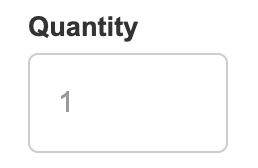
The default product page template comes with a “number” input field selector for choose the quantity of items you want to purchase. However, with our new component, you can now change this to a +/- style quantity selector.
Default Selector:
Plus/Minus Selector:
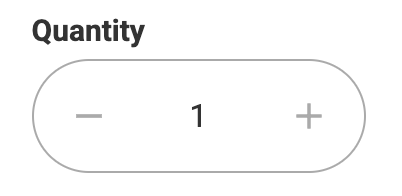

Note: The plus / minus selector only works on the product page currently. It will not function if used on the cart.
To swap them out, simply delete the current default selector and then open the CartGenie designer extension by clicking the app tab in your Webflow designer.
Then, go to Create Product Pages > Components > Product page section.
Find the “Quantity” icon and click on it. This will open a panel to select which type of selector you want to paste in. Select the Plus / Minus style and then paste into your Webflow product page.
