
CartGenie has a few required fields which are necessary in order for each shop page to work properly (product, cart, checkout, and confirmation pages). Some blocks cannot be deleted. Doing so will cause the entire page to not function properly.
We are working to reduce the number of required elements on each page to allow as much flexibility as possible.
How to Hide a CartGenie Component on a Store Page
The safest way to hide any CartGenie element in one of our store page templates is to set it to display:none.
You can do this by clicking on the layer or wrapper you want to hide, then in the layer style tab, click the “none” option under Display.
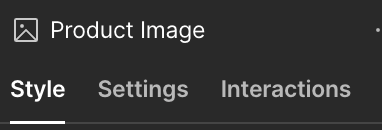
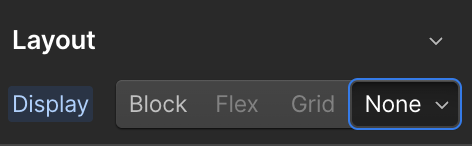
This hides the element from your customers, while still keeping it in the code backend, which allows our internal checker to see that it is in place and the page can function properly.
For optional components and custom attributes, you can simply delete the component from your page, but if you’re unsure if something is required or not… the display:none method is best to ensure there are no issues.