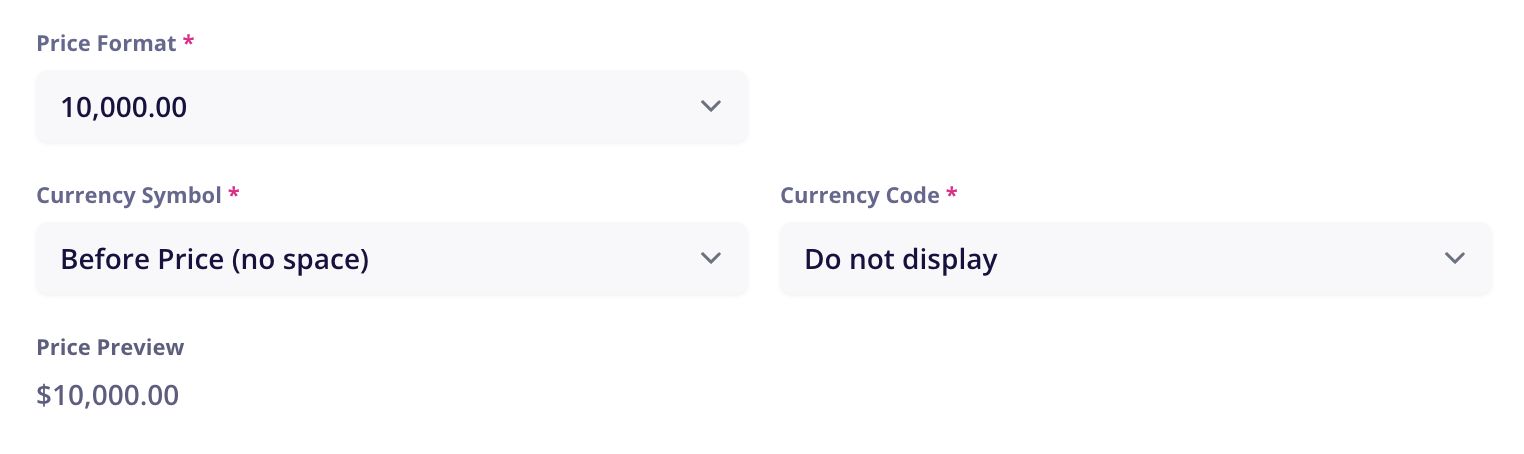
If you’re using Monto’s Currency Converter app to automatically convert your prices to local customers’ currency, then there are a few requirements for price formats that you need to follow in CartGenie.
Supported Price Formats
10,000.00
10`000.00
10 000.00
10000.00
1,23,456.78 (India / Lakh)
10,000 (No decimals)
Not Supported Formats
10.000,00
10 000,00
10000,00
How to Change Your Price Formats
In CartGenie, go to the Settings > Business Info tab.
Open Business SettingsThen, find the price format section and adjust your prices accordingly.

If you change your price format, be sure to re-publish all your products in CartGenie on the Products tab to apply the new format to your Webflow site.