
If CartGenie can no longer connect to your TaxJar account:
Your store will temporarily use any Custom tax rates you have configured in CartGenie

If no Custom tax rates exist, tax will not be charged on new orders until TaxJar is reconnected.
Why did this happen?
TaxJar may stop responding if:
Your free trial or subscription has expired
A payment failed
Your account or plan requires attention
CartGenie’s connection to TaxJar is no longer valid
How to reconnect TaxJar
Open CartGenie Tax SettingsSign in to TaxJar and confirm that your account is active and in good standing.
Resolve any billing, subscription, or account issues shown in TaxJar.
Open Settings → Taxes in CartGenie and scroll down to the TaxJar box.
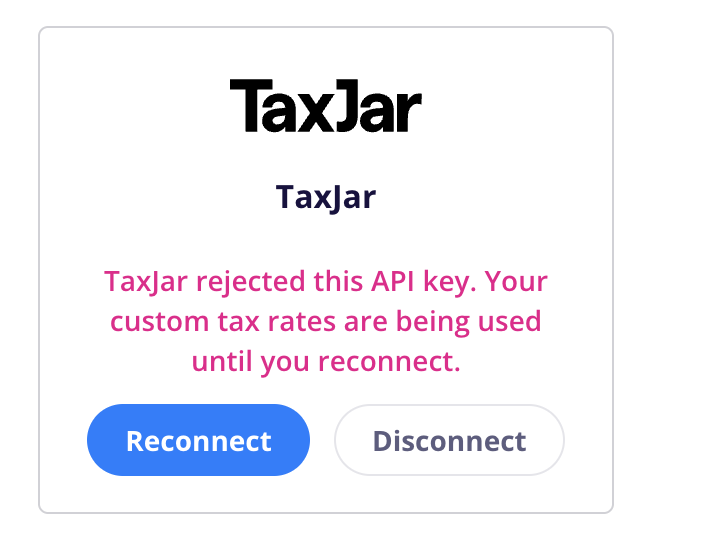
Reconnect your TaxJar account.
Once reconnected, CartGenie will resume using TaxJar to calculate taxes. If the connection still does not work, contact CartGenie Support for assistance.