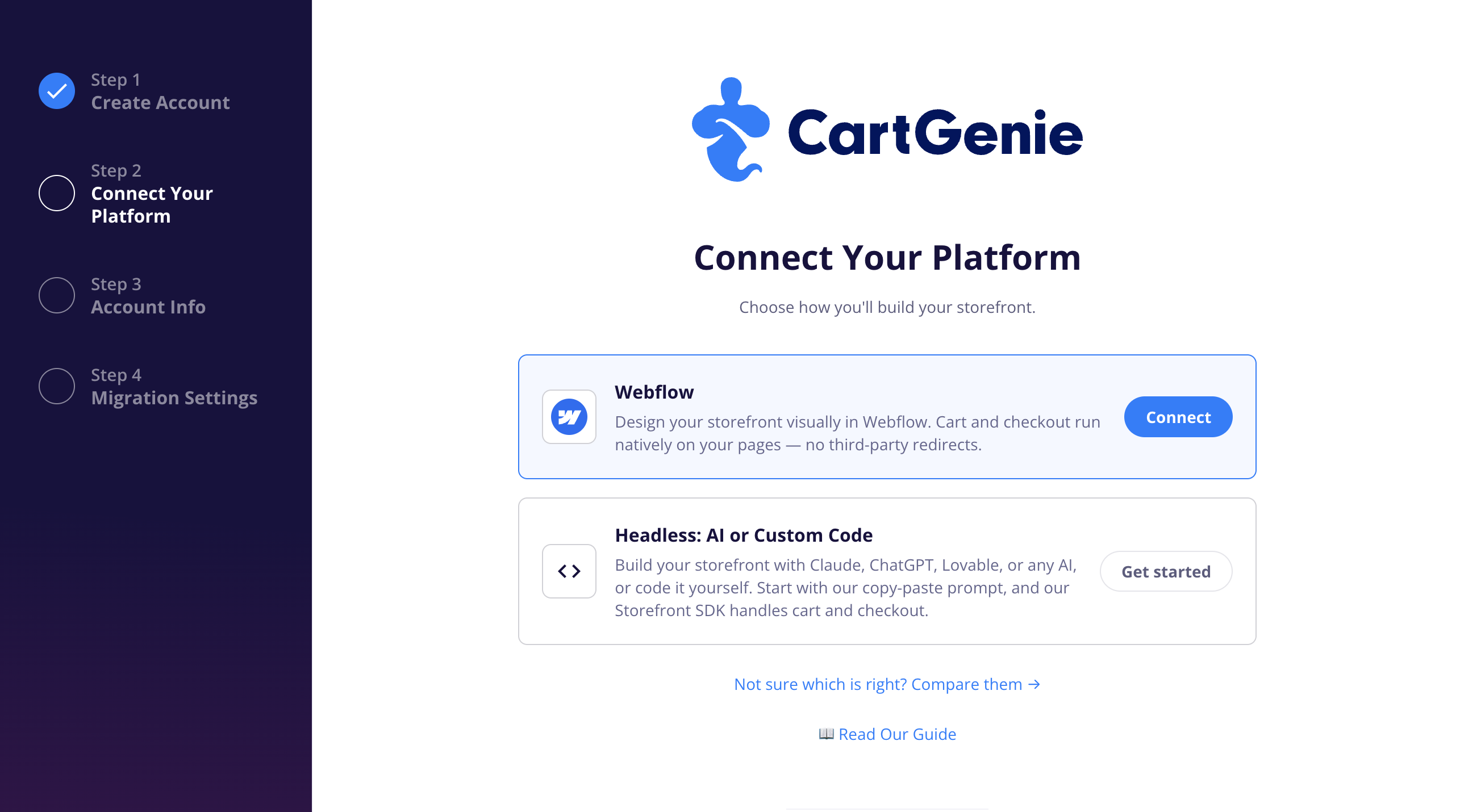
You can run a CartGenie store on a Webflow site or on a headless site you build yourself, often with an AI coding tool. Either way, CartGenie runs the same engine behind the scenes: cart, checkout, payments, taxes, shipping, orders, and your dashboard. The choice is about where your storefront lives and how you want to build and edit it.
A quick way to think about it: Webflow is like a design studio with a built-in website. Headless is like hiring a builder (human or AI) to make exactly the site you describe, then plugging CartGenie into it.
Webflow | Headless | |
How you build it | Drag-and-drop visual editor | Code, written by you, a developer, or an AI builder |
Editing pages later | Click and type, right on the page | Depends on the tool; often by asking the AI or changing code |
Best if you... | Already use Webflow, or want a designer to own the site | Want to move fast, or need things a template can't do |
Design freedom | High, within what Webflow supports | Almost unlimited |
Hosting and security | Handled by Webflow | Handled by your hosting provider (most are simple) |
Ongoing platform cost | A Webflow site plan, plus CartGenie | Your hosting (often free or low cost), plus CartGenie |
Time to launch | Depends on how much design work you do | Often faster, especially with an AI builder |
Managing products and orders | CartGenie dashboard | CartGenie dashboard |

Webflow is a website builder with a visual editor: you see the page as you design it and change things by clicking on them. CartGenie plugs into a Webflow site and adds the store. Your products live in Webflow's CMS, so you design product pages, collection pages, and the cart the same way you design everything else on the site.
Why people choose Webflow
You can see and change everything visually. No code, no prompts. If you can use a design tool, you can edit your store.
It works with the Webflow site you already have. Any Webflow CMS site or template can become a CartGenie store. You don't have to start over.
Easy to hand off. There's a large pool of Webflow designers and agencies, and most of them can work on a CartGenie store without learning anything new.
The technical side is handled. Hosting, security, SSL, and site speed are Webflow's job. SEO settings, redirects, and forms are built in.
Polished design out of the box. Animations, interactions, and responsive layouts are part of the editor, and the template marketplace is huge.
What to watch out for
Existing Webflow Ecommerce sites need a little cleanup. You can use one, but Webflow reserves some collection and page names for its own store. You'd rename those collections and the checkout pages so they don't clash with CartGenie, or move your content to a fresh CMS site.
You're paying for Webflow too. You need a Webflow site plan on top of CartGenie, and Webflow sets those prices.
You live within Webflow's limits. CMS item caps, page limits, and what the editor supports all come from Webflow. A very large catalog or an unusual feature can bump into them.
Setup takes some care. CartGenie connects to your pages through settings on specific elements. It's not hard, and our templates and support tools help, but it's more hands-on than pasting in a link.
Big custom ideas may still need a developer. Webflow is flexible, but anything outside what the editor supports means custom code.

"Headless" means the storefront (what shoppers see) is built separately from the store engine (CartGenie). Your site can be built with almost any tool and hosted almost anywhere. It talks to CartGenie to show products, run the cart, and send shoppers through checkout.
That used to mean hiring a developer. Today, AI builders like Lovable, Bolt, Replit, Codex, or Claude Code can build a working storefront from a plain-English description. You describe the store you want, point the tool at CartGenie's storefront kit, and it writes the code. You can also hand the same kit to your own developer.
Why people choose headless
Often the fastest way to launch. With an AI builder, a working store can come together in an afternoon instead of weeks of design work.
You can build almost anything. Custom product builders, quizzes, bundles, unusual layouts, member areas. If you can describe it, it can usually be built.
Not tied to one platform. Host on Vercel, Netlify, Cloudflare, or wherever your builder deploys. Many have free or low-cost tiers, and there's no separate site-builder subscription.
Fewer built-in limits. No CMS item caps or editor restrictions from a third-party site builder.
Easy to change direction. Want a new look? Ask for it. Rebuilding a page often takes minutes, not a redesign project.
What to watch out for
Editing isn't always point-and-click. Some AI builders (like Lovable) let you click and edit text or styles. Others mean asking the AI for each change or editing code. If your team expects to tweak pages daily without help, check what your tool offers first.
You own more of the site. Hosting, domain setup, SEO basics, and keeping the site up to date are on you or your builder rather than a platform. Most hosts make this simple, but it's not automatic.
Quality depends on the build. AI builders are good and getting better, but they can produce sloppy code or miss details like page speed or accessibility. Review what they make, and plan time to test.
Content pages need a home. Blog posts, landing pages, and other content need somewhere to live. Some builders handle this well; others mean editing in code.
A bit more technical comfort helps. You don't need to code, but you'll touch things like domains and deploy settings. If that makes you nervous, Webflow may be the calmer path.
There's no wrong answer. It mostly comes down to who will build the site and who will edit it after launch.
Webflow is probably your pick if:
You already have a Webflow site, or you know Webflow and like it
A designer or agency is building your store
Your team wants to change pages visually, often, without asking anyone
You'd rather not think about hosting or technical setup at all
Headless is probably your pick if:
You want to get a store live quickly and don't have a site yet
You're comfortable describing what you want to an AI builder, or you have a developer
You need something custom that a template can't easily do
You'd rather skip a separate site-builder subscription
Still not sure?
Start with how you'll edit the site in six months. If the answer is "someone clicks around in a visual editor," go Webflow. If it's "we ask the AI" or "our developer handles it," headless will feel natural.
What stays the same no matter which I pick? Checkout, payments, tax and shipping settings, orders, discounts, and your CartGenie dashboard all work the same way. Shoppers get the same checkout either way.
Does CartGenie cost more for one or the other? No. CartGenie's plans are based on your store's sales, not on how your site is built. The difference is what you pay around it: a Webflow site plan, or your hosting and any AI builder subscription.
Do I need to know how to code? No, for either one. Webflow is visual. Headless can be built entirely by an AI builder from plain-English instructions, though some comfort with tech settings helps.
Where does my store data live? In CartGenie, either way. Your products, orders, customers, and store settings are all stored and managed in your CartGenie dashboard.
Can I use my existing Webflow Ecommerce site? Yes. You'll rename a few collections and the checkout pages so they don't conflict with CartGenie, or move your content to a new CMS site. We can help you decide which is easier.
Which AI builder should I use for headless? Any tool that can build a modern website and follow instructions will work. If you want visual editing after launch, pick one that offers it, like Lovable. If you're comfortable working in code, Claude Code or Codex give you more control.