
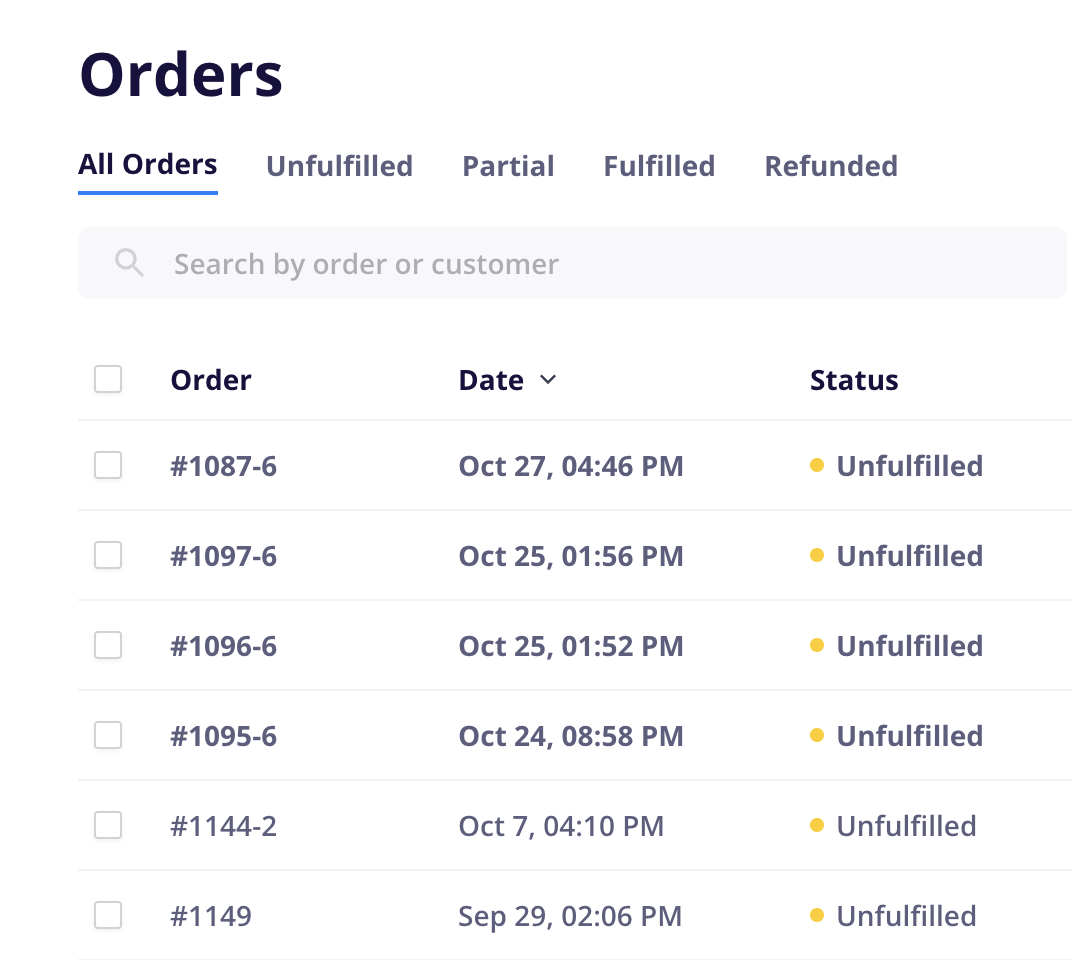
New orders are marked as Unread by default and appear in bold on the Orders page. When you open an order, it is automatically marked as Read and will no longer appear bolded.
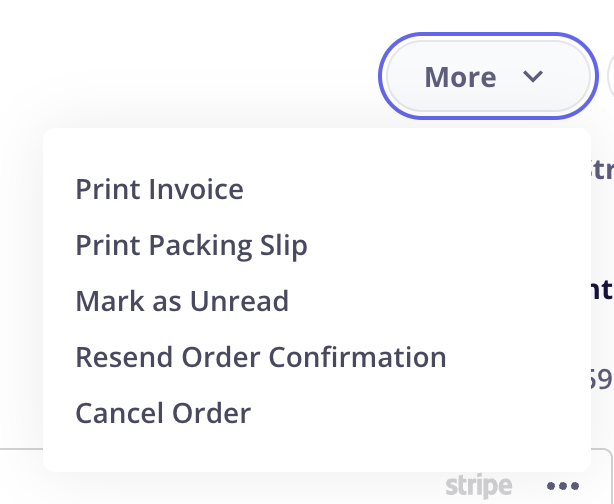
To mark an order as unread again, open the order, select the More dropdown, and choose Mark as Unread.
Read and unread status is shared across your store: when one team member opens an order, it is marked as read for everyone.
This status is internal only and is never visible to customers.