
Stripe is a fast, secure, and developer-friendly payment gateway trusted by millions of businesses worldwide. With Stripe connected to your CartGenie store, you can accept credit cards with seamless checkout and reliable fraud protection. It’s easy to set up, supports recurring payments, and gives you full control over your funds. Whether you’re just starting out or scaling up, Stripe makes getting paid effortless.
How to Add Stripe
Step 1
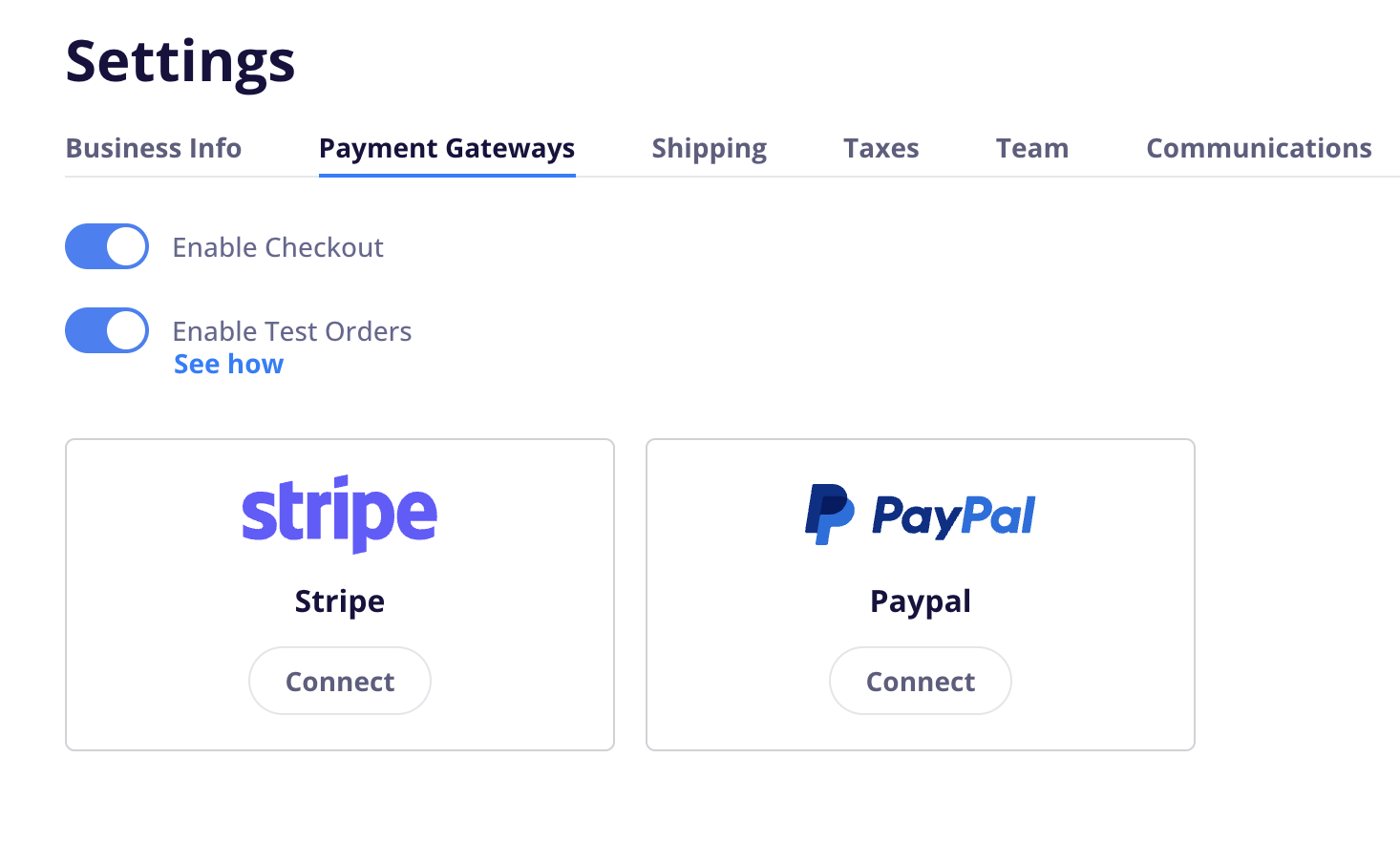
To add Stripe to CartGenie, go to the Settings > Payment Gateway page.
Go to Payment Gateway SettingsStep 2
Then, click the “Connect” button under Stripe
This will open a popup to sign in to Stripe or create a new account.
Done!
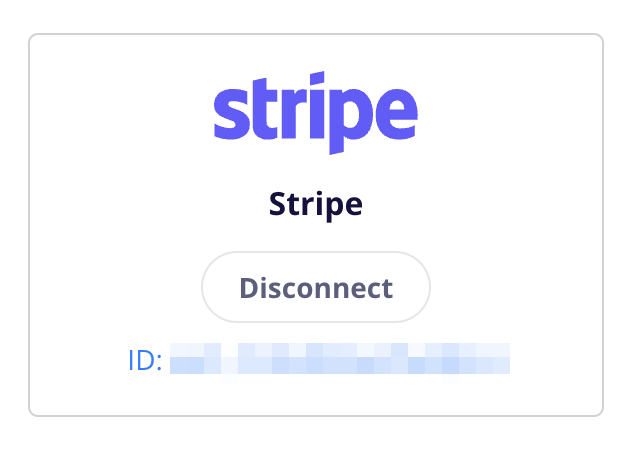
If authorized correctly, the button will now say “Disconnect” and the account ID will be visible.
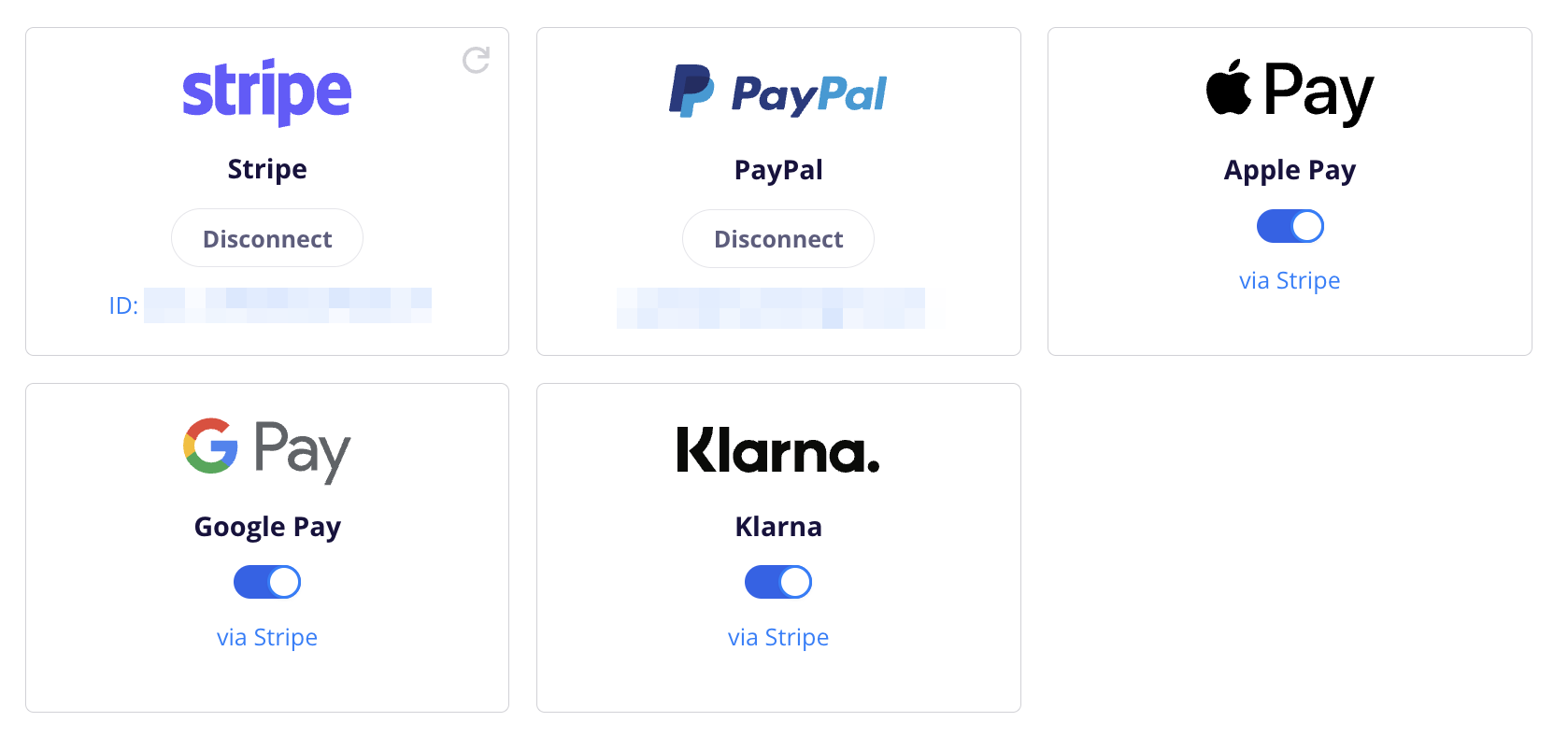
You will also see all other Stripe enabled payment gateways in CartGenie (such as Apple Pay, Google Pay, and Klarna) with a toggle to enable / disable them as you wish.