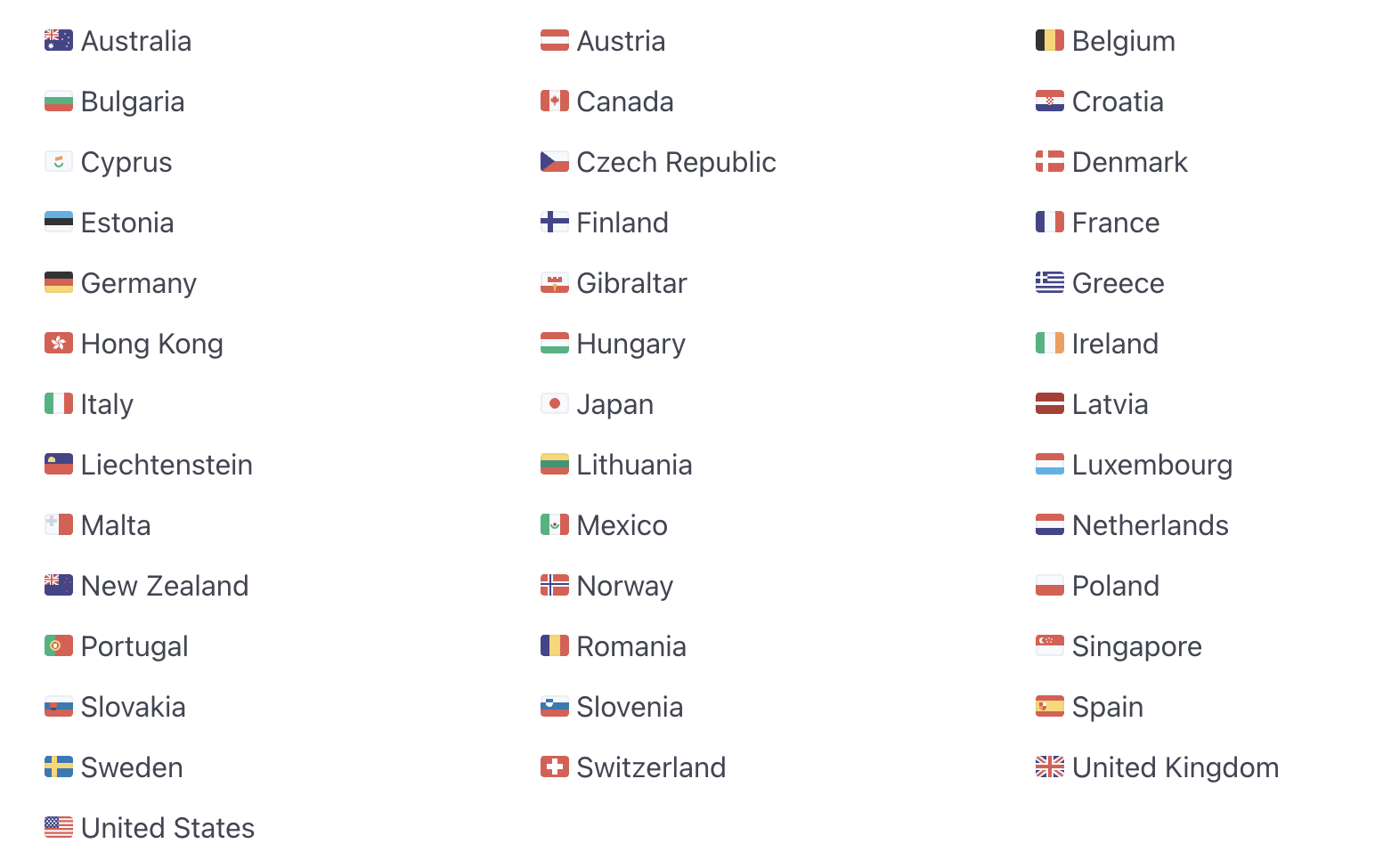
iDeal / Wero is one of the most widely used payment methods in the Netherlands, and CartGenie makes it simple to offer it at checkout. Your store doesn’t need to be based in the Netherlands – businesses located in a large number of countries (see country list below) can enable iDeal as long as your CartGenie store currency is set to Euros.
In this guide, you’ll learn how to connect iDeal through Stripe, enable it inside CartGenie, and ensure your Dutch customers can seamlessly pay using their preferred bank-based checkout.

To add iDeal, simply connect your CartGenie store to Stripe in Settings > Payment Gateways.
Connect Stripe
Then, enable the toggle for the iDeal gateway.
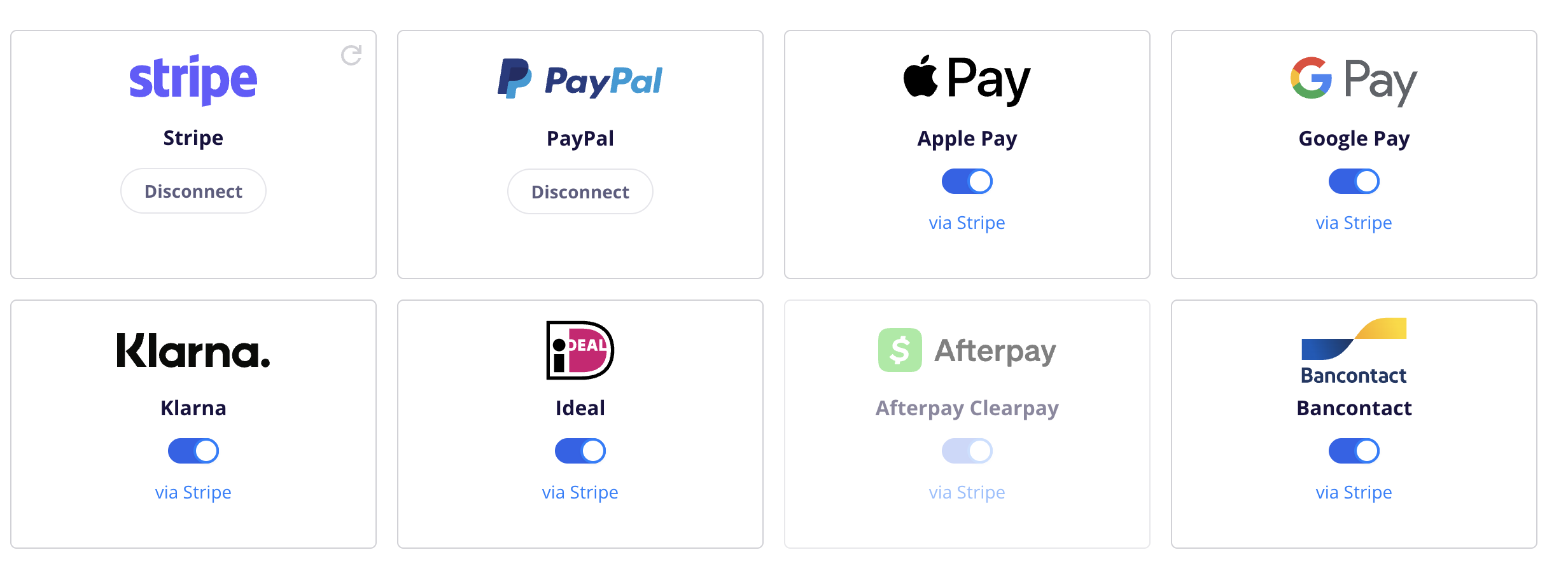
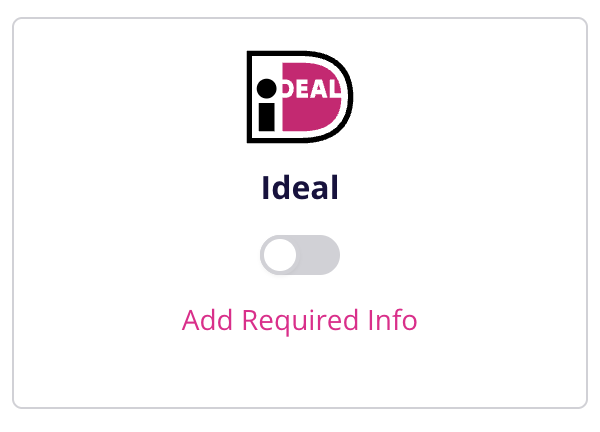
If you see pink text that says “Add Required Info”, then click on it and you will be redirected to Stripe. Find the iDeal payment method and click on the button beside to enter the missing info.
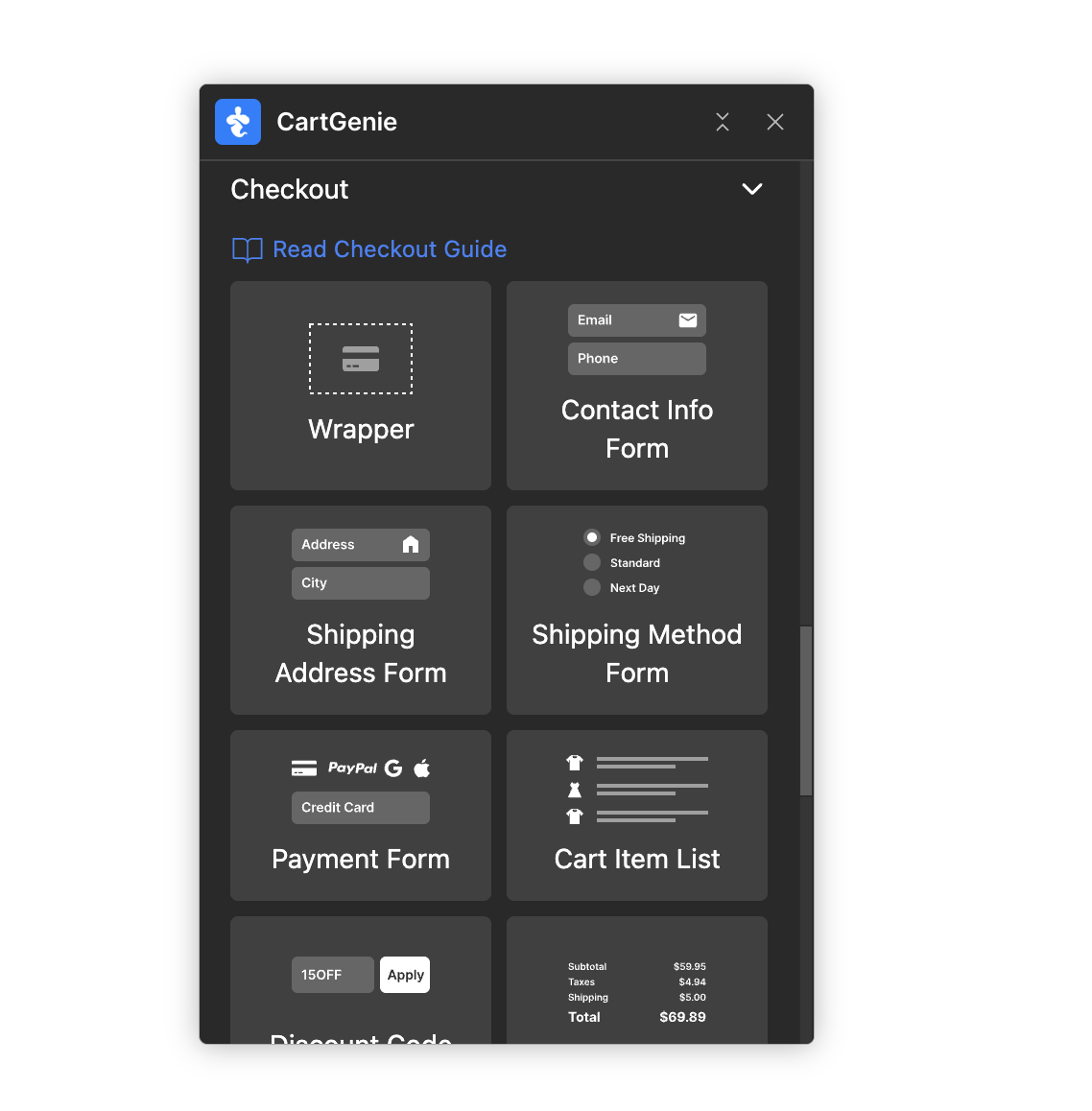
Next, in Webflow, ensure that your checkout page has the necessary iDeal payment tab option. If not, you can use our Designer Extension to simply add the “Payment Form” block to your checkout page (found in Create Product Pages > Components > Checkout).
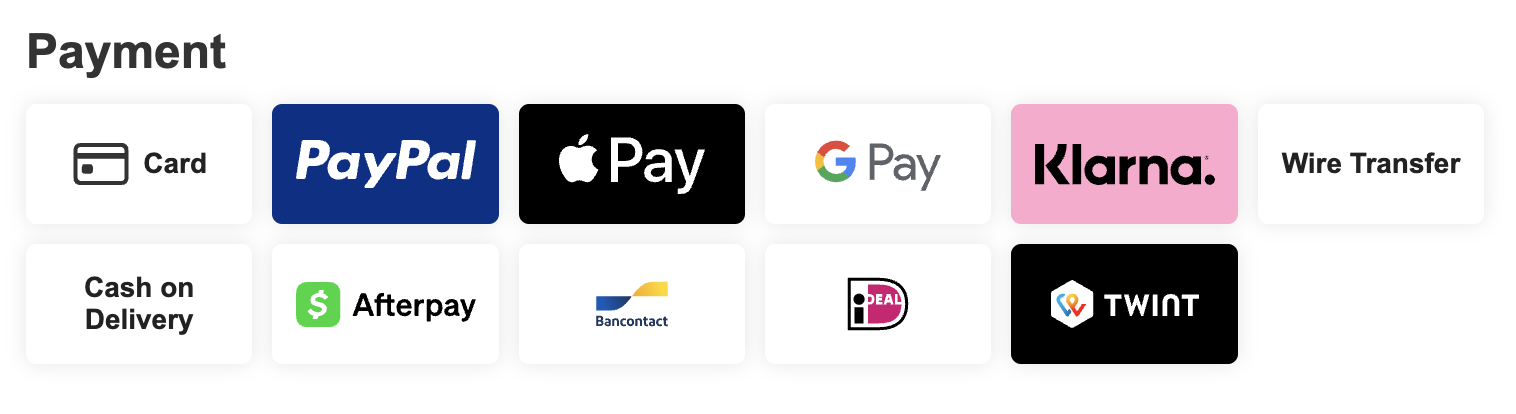
Publish your site and you should see iDeal as an option at checkout!
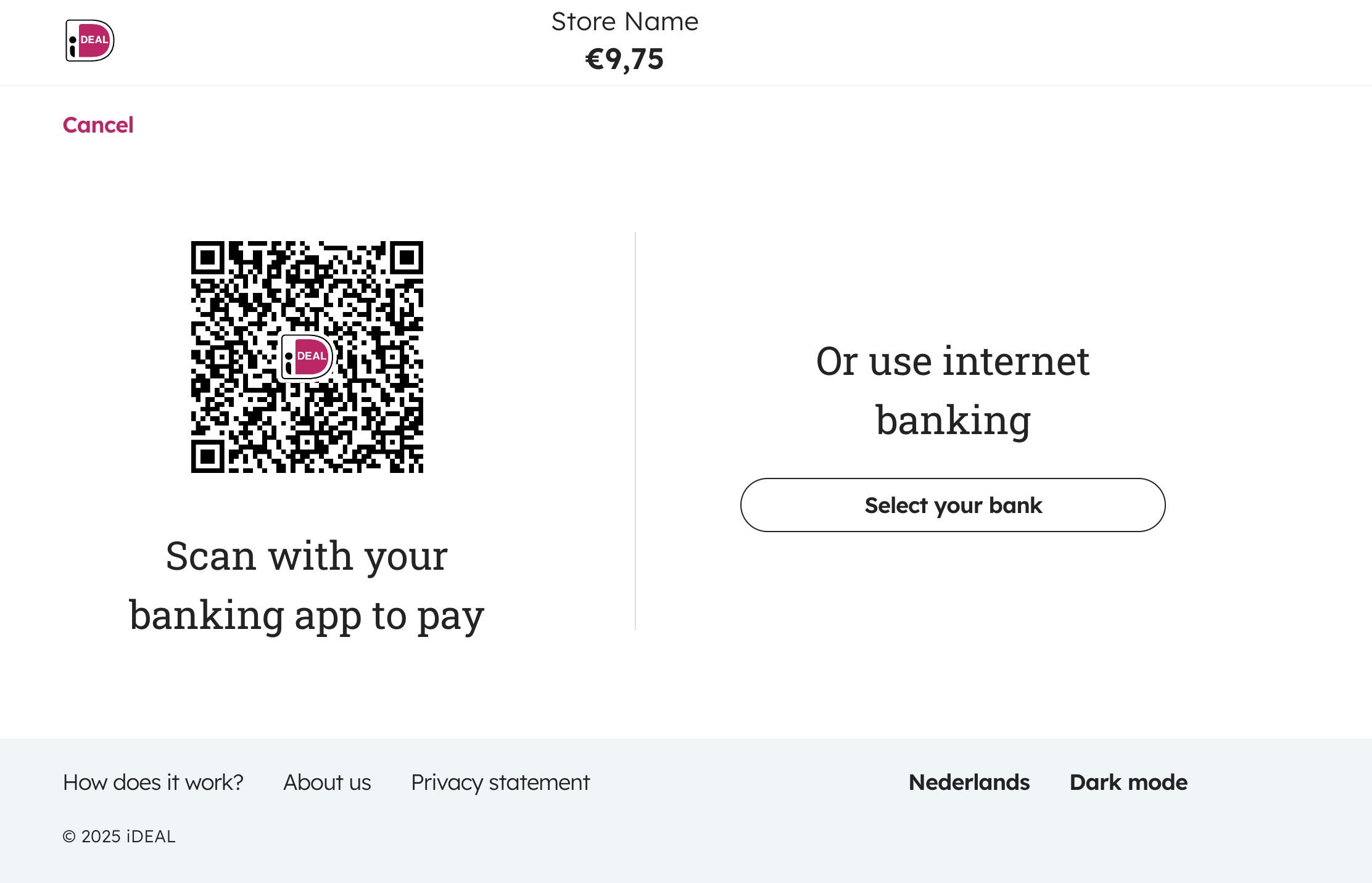
When users select iDeal at checkout, they will be redirected to the site to complete their payment.
Store currency must be in Euros
Customer’s address must be in the Netherlands
The store’s Stripe account is based in one of the following countries:
There are a few reasons why you may not be seeing iDeal at checkout on your site. Here is a list of steps to try to see if it resolves the issues.
CartGenie’s Test Order Mode only works with credit cards, so all other payment methods are hidden at checkout.
Turn off Test Order Mode in Payment Gateway settings to test a live iDEAL payment.

iDEAL only supports payments in EUR.
If your store currency is set to USD, GBP, SEK, DKK, or another non-Euro currency, iDEAL will not appear at checkout.
iDEAL is a Netherlands-based payment method for customers with supported Dutch banks.
For shippable products, the customer should have a Netherlands shipping address selected at checkout.
For non-shippable products, the customer should have a Netherlands billing address selected at checkout.
For shippable products, customers need to be able to select the Netherlands as their shipping country.
If Netherlands is not added as a shipping zone in CartGenie, Dutch customers may not be able to enter a valid Netherlands shipping address and iDEAL may not appear.
Add Netherlands as a shipping zone, make sure a valid shipping method is available, then test checkout again.
CartGenie should enable iDEAL automatically when you connect your Stripe account and enable the toggle in Payment Gateways, but you can double-check in Stripe.
Go to:
Stripe Dashboard > Settings > Payment methods
Then click Default: CartGenie configuration and look for iDEAL in the list.
Make sure iDEAL is enabled.
Back in CartGenie Payment Gateway settings, click the refresh icon in the Stripe card to make sure CartGenie recognizes the latest Stripe payment method settings.

iDEAL availability can depend on the country and eligibility of the connected Stripe account.
If iDEAL is not available in the store’s Stripe payment method settings, the connected Stripe account may not be eligible to offer iDEAL.
The order total must be a valid EUR payment amount.
If the order total is invalid, zero, or cannot be processed by Stripe, iDEAL may not appear at checkout.
Sometimes your browser may cache payment settings and checkout options from previous page loads, especially if you visited checkout before enabling iDEAL.
Try clearing your browser cache, testing in a private/incognito window, or testing in another browser.
You can also delete cookies for only your store site in Chrome here:
chrome://settings/content/alliDEAL payments should be tested on a secure HTTPS page.
If the store is loading over HTTP, has SSL issues, or has mixed-content errors, iDEAL may not appear or may fail during checkout.
Make sure the checkout page loads with a valid HTTPS URL, then republish the site and test again.
Currently iDeal does not work with CartGenie’s subscription products. If you want to allow customers to purchase a subscription, please ensure you have Stripe enabled and the credit card tab available at checkout.
