
If you’ve added a product to your cart and go to checkout, but aren’t seeing the shipping methods – then follow these troubleshooting tips.
Cause 1: Products Not Set as Shippable
Open your products in CartGenie and navigate to the Billing & Shipping tab.
Be sure that the Requires Shipping? toggle is enabled.
Here is an example of the toggle being disabled, which means no shipping methods will show up at checkout and shipping will not be charged for this product.
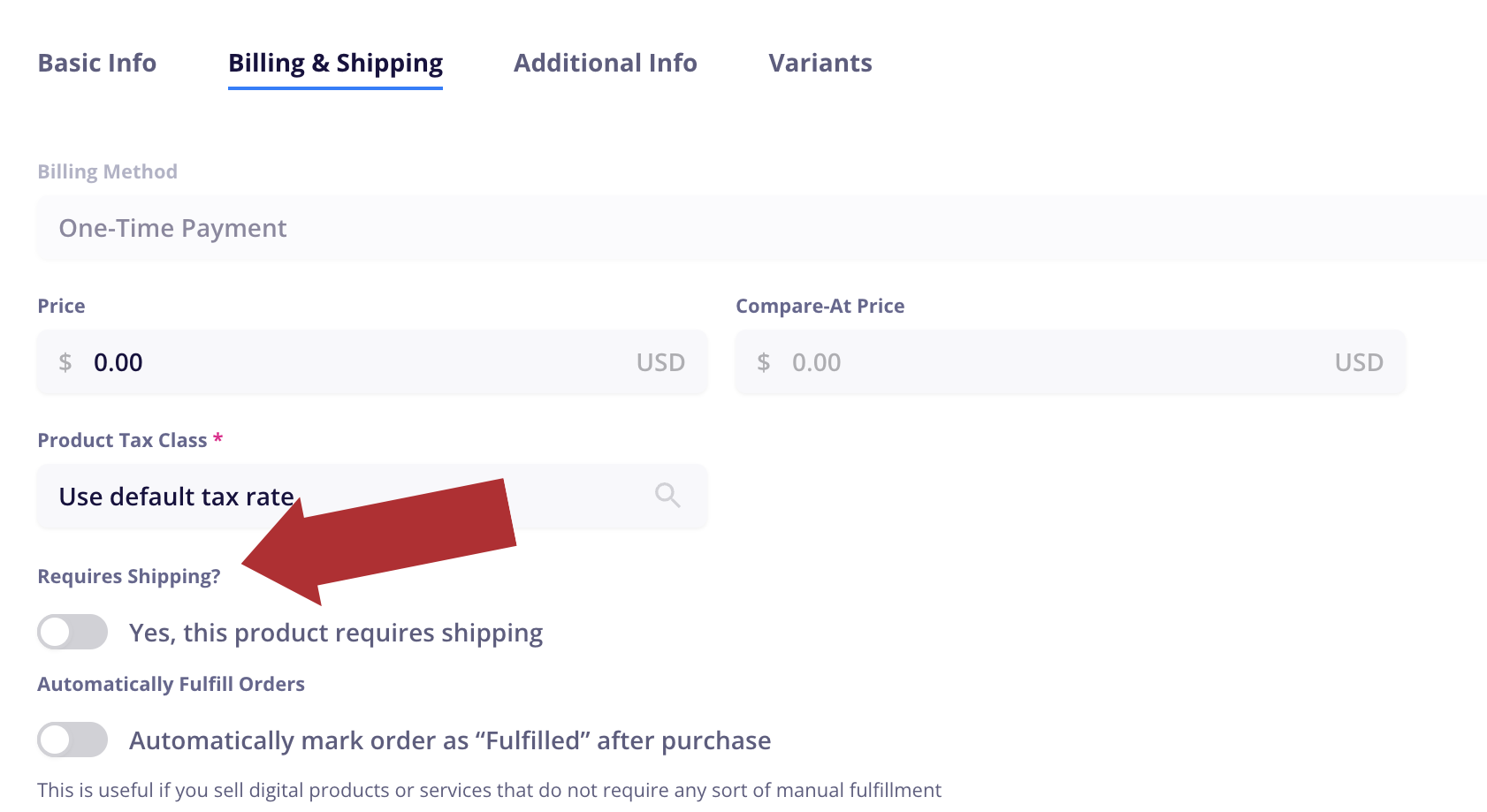
Enable the toggle and republish the product. Then try checking out again.
Cause 2: No Shipping Rates Apply
In order to set any product as shippable, CartGenie requires that you’ve added at least 1 shipping rate to your store.
However, if the only shipping zones created are not in the customer’s shipping country (or state or postal code if those restrictions are added), then CartGenie will display a message saying that your region is not supported and no shipping methods are available.