
If you’re trying to list a product's categories in your Webflow site, you may have run into an issue where the categories field is not listed as a connection option.
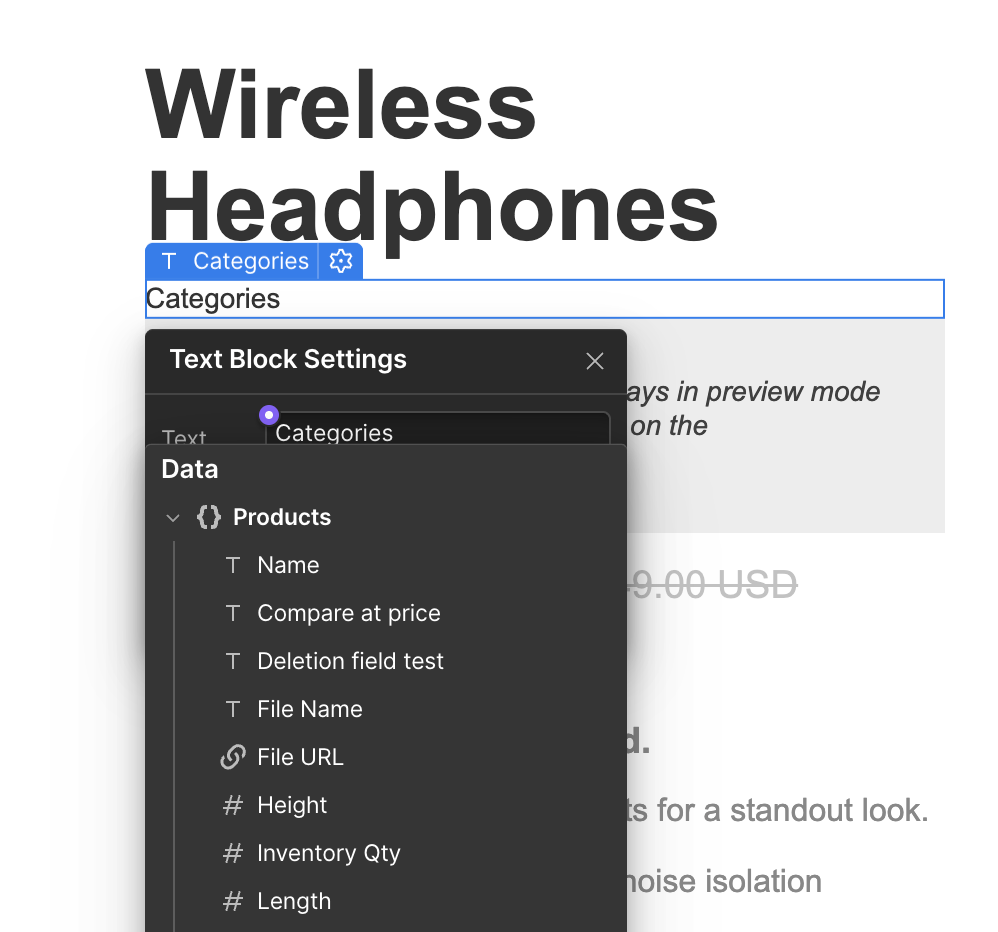
This is not a problem with CartGenie, but simply a function of how Webflow requires you to list multi-reference field items.

How to List Categories Inside of a Product
In order to display Multi-Reference items in Webflow, you must use a Collection List block.
You can then connect the Collection List to the “Category” product field from the dropdown options.
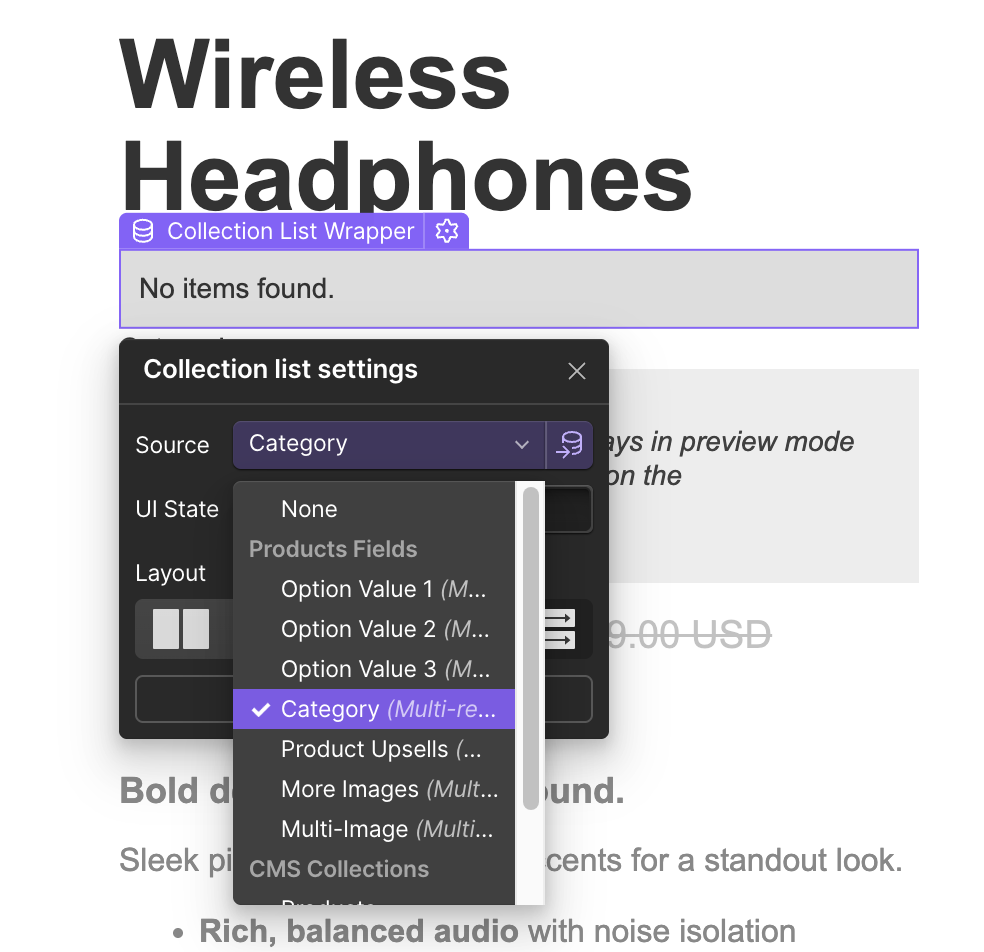
This will then create a stack of blocks for every category added to your product. You can now style this list however you would like.
Set each category block to “inline” if you want to display them in a single text line instead of as individual rows or columns.