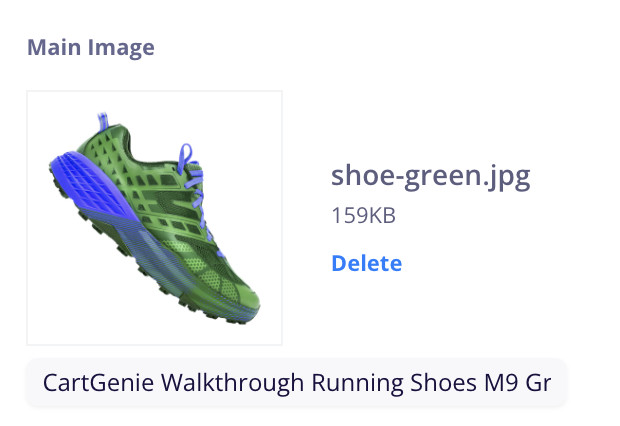
Alt text (short for “alternative text”) is a brief description added to your product images that helps search engines and screen readers understand what’s being shown.
In CartGenie, adding alt text is a simple but powerful way to improve your store’s accessibility and SEO. For shoppers using assistive technologies, alt text provides meaningful descriptions of your products. For search engines, it adds valuable context that can help your images (and products) appear in search results.

Automatic Alt Text
CartGenie pre-fills your alt text for images using this formula:
[Store_Name] + [Product_Title] + [Variant_Values]Example:
Parent Products (with no variants): “Nike Tshirt”
Smart Image Uploader (1 variant value): “Nike Tshirt Red”
Product Variant (1-3 values): “Nike Tshirt Red Small V-Neck”
Editing Alt Text for Product Images
In CartGenie, open the product you wish to edit the alt text for.
In the Basic Info tab, scroll down to the section near the bottom for the Main Image and Extra Images.
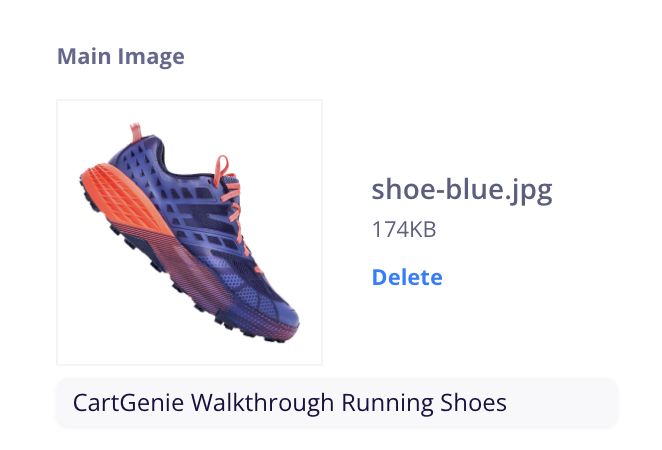
Simply edit the alt text in the input and republish your product to make it live.
Editing Variant Product Alt Text
Variants and the Smart Image Uploader work the same way. Open up the variant you wish to edit and edit the text underneath it. Be sure to Save your variant to make it live.