
If your store pages are not connected to CartGenie or if you need to change which Webflow pages are used for checkout and confirmation, then you can do this in the CartGenie dashboard Settings > Webflow Settings page.
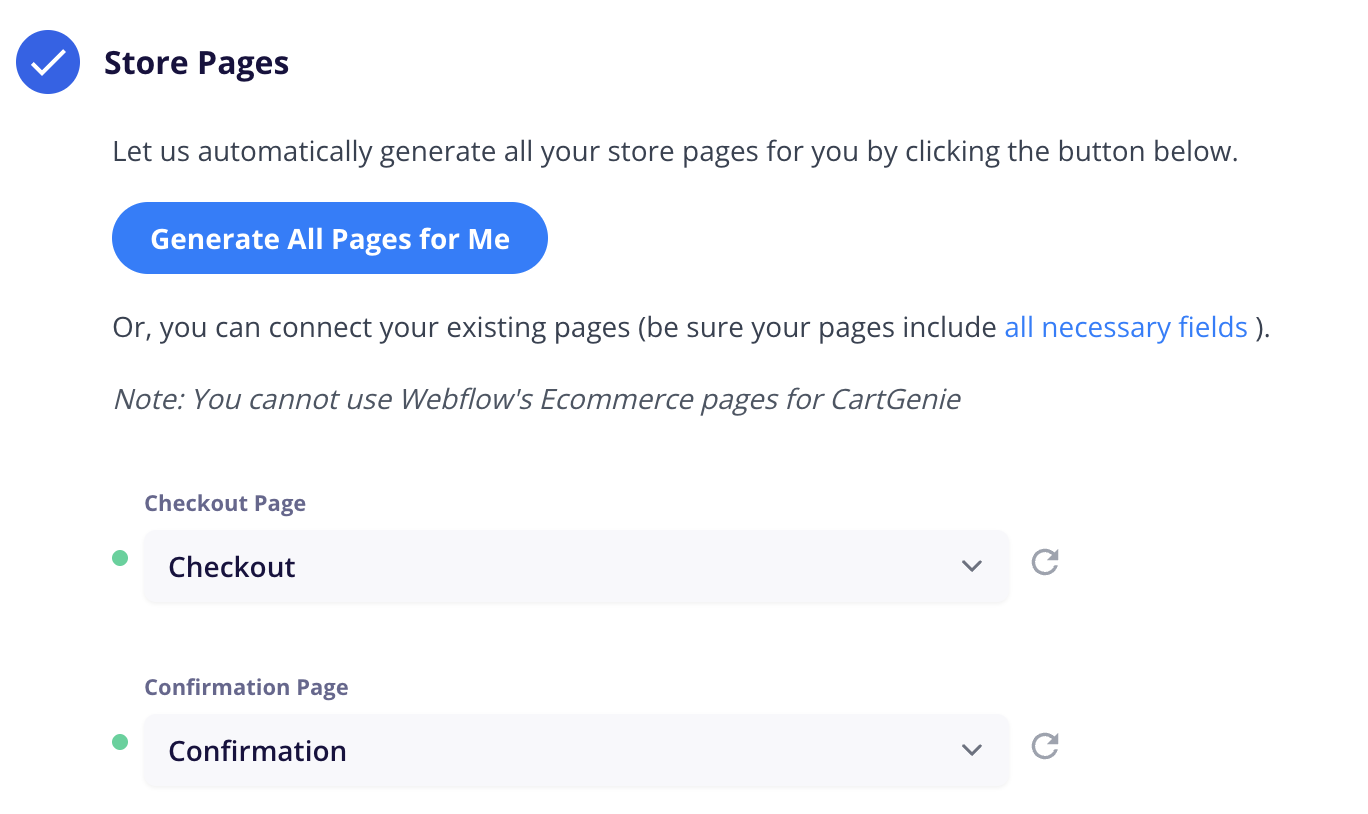
Go to Webflow SettingsHere you’ll see a section titled Store Pages.
Open this section and select your preferred page for the Checkout Page and the Confirmation Page from the drop downs.

In order to work properly, these pages must contain all the required custom attributes. To ensure that is the case, we recommend using our page templates. See how here.