
If you want to hide or delete test orders in your dashboard then you can now do this by simply:
Open the test order in CartGenie’s Order page.
Click the Delete Test Order button in the top right corner.
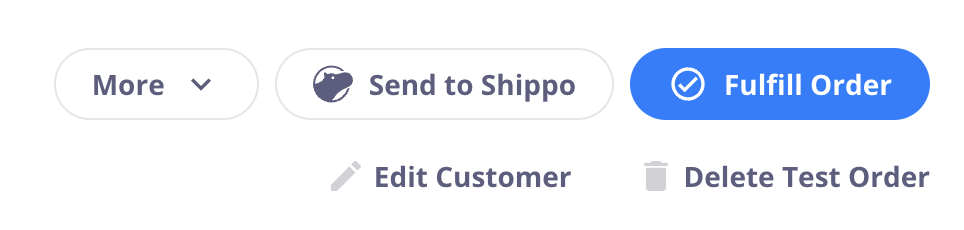
This option will only appear for test orders. You currently cannot delete regular orders – but you can cancel them.